
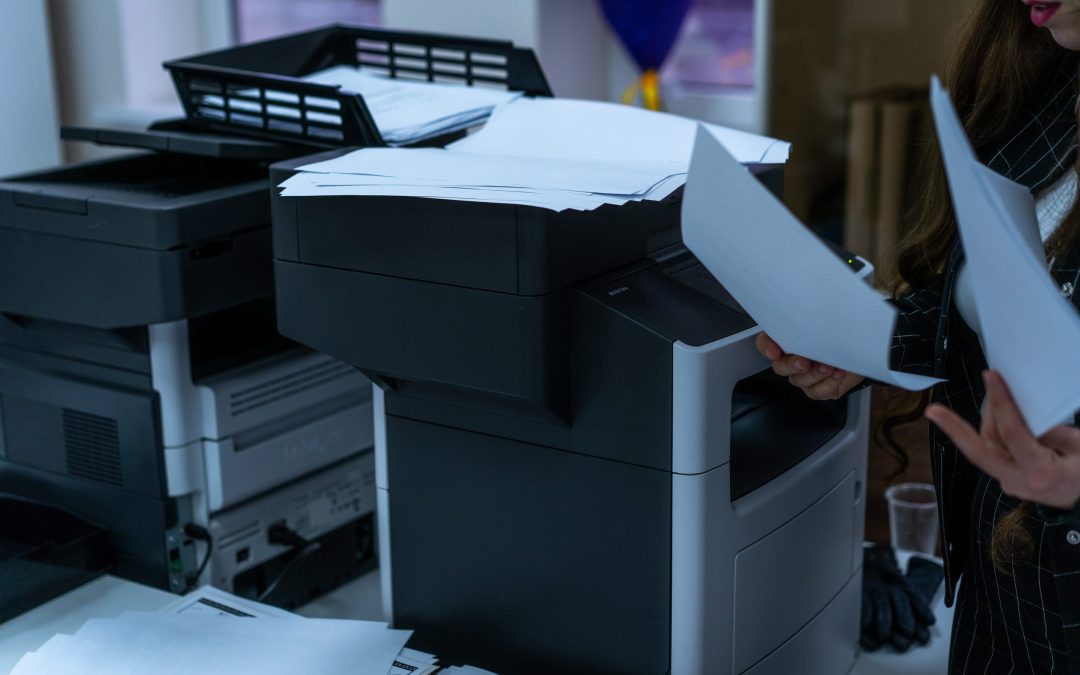
Do you walk past empty desks only to find unused desktop printers sitting on them? Extra hardware drains your operating budget through unmonitored supply orders and hidden maintenance fees. This guide shows you how to spot redundant devices and use printer fleet optimization to restore office productivity.
1. Your Employee-to-Printer Ratio Is Too Low
Well-run offices average about ten employees per printer. Unmanaged offices often slip to four. Buying single-function desktop units for individual departments pushes that number down because these devices bypass IT procurement, and spending goes unchecked. You pay ongoing capital and operating costs for hardware that runs far below its capacity.
Consolidation fixes this. Centralized multifunction office copiers can each serve an entire department, and modern machines handle heavy volume without bottlenecks. Your employees will also notice the faster output.
How to Calculate Your Actual Fleet Ratio
You can’t fix what you don’t measure. Start by walking the floor plan and counting every visible output device, personal desktop scanners included. Next, pull your network connection logs and review the active IP addresses assigned to printing endpoints. Then ask accounts payable to flag recurring expense reports from office supply stores, which often point to devices nobody told IT about. Finally, divide your in-office headcount by the number of active printing endpoints.
If the result is fewer than six employees per device, you have excess hardware. Reorganize your floor plan soon so the equipment you keep gets used.
2. Print Tickets Keep Flooding Your IT Helpdesk
In unmanaged enterprise environments, print problems account for forty percent of helpdesk tickets. Technicians lose hours installing unique drivers and clearing paper jams on consumer-grade machines. While they troubleshoot outdated inkjets, high-priority digital transformation projects sit idle.
A mixed-vendor fleet makes this worse, because every manufacturer needs its own security patches and network protocols. IDC research reports that unifying this infrastructure sharply reduces helpdesk ticket volume and support overhead.
Steps to Audit Your Helpdesk Load
Begin by filtering your ticketing system for hardware keywords such as “paper jam” and “offline.” Then measure the average weekly minutes your team spends closing those tickets. Last, track which desktop models cause the most repeat failures.
Transitioning to managed print services in Oklahoma takes this burden off your team. The provider handles remote monitoring and proactive maintenance, so your IT staff can focus on strategic projects.
3. You Find Stockpiles of Unused Toner and Ink
When departments order their own consumables, administrative staff stockpile specialized cartridges that later expire or become obsolete. That ties up working capital in inventory closets, and executives never see the true operating cost.
Desktop devices also trigger replacement alerts while 20% of the supply remains. Employees toss working cartridges because a light started flashing, and those early disposals add up quickly.
Comparing the Cost of Redundant Supplies
The table below shows how consumables typically compare between the two setups:
| Supply Metric | Decentralized Desktop Fleet | Centralized Managed Environment |
| Cost Per Page | High for both color and mono | Low, predictable contractual rates |
| Inventory Storage | Closets full of mixed brands | Just-in-time automated fulfillment |
| Waste Factor | Cartridges discarded with capacity remaining | Monitored depletion prevents waste |
| Budget Visibility | Hidden inside supply expense accounts | Transparent monthly invoices |
Continuous printer fleet optimization centralizes your supply chain and stops this leakage. Deliveries arrive when machines need them, so you no longer need supply closets, and your accounting team can predict monthly consumable spending.
4. Sensitive Documents Sit Abandoned in Output Trays
Documents left on printer trays expose your firm to privacy violations and physical security breaches. When too many localized machines run without central oversight, people hit print and forget to collect the job. Anyone walking past can read confidential client data.
Modern networked multifunction office copiers are intelligent endpoints with embedded hard drives and active network interfaces. Hackers routinely target unpatched desktop models to reach the wider corporate network. Learn more about securing these endpoints by understanding the hidden cybersecurity risks you are ignoring.
How to Lock Down Physical Document Security
Require employees to swipe a badge or enter a PIN before a job releases. Use secure print queues so the server holds each job encrypted until the user authenticates. Unplug any legacy desktop unit that has no built-in authentication.
Fewer machines also shrink your physical threat perimeter. Every output point is one more place for human error or a compliance violation, so cutting the count gives you tighter control over sensitive data.
5. Daily Device Utilization Stays Low
In unmanaged environments, daily output often falls below three percent of a machine’s recommended capacity. Dozens of devices sitting idle through the workday produce negative returns. You pay monthly lease fees and electricity for idle plastic paperweights.
Moving volume onto fewer high-performance machines improves your return on hardware. Design the fleet around how your organization works today, and retire the obsolete equipment.
Working with experts in managed print services Oklahoma lets you track usage accurately. They recommend moving or removing equipment based on actual page volumes, and you pay only for the hardware your team needs.
6. Multiple Vendor Contracts Eat Up Administrative Hours
Separate leases and supply vendors for a mixed fleet inflate accounts payable work every day. Consolidating vendors turns a tangle of expenses into a single predictable line item, and your accounting staff gets time back for planning.
Replacing mismatched consumer models with unified multifunction office copiers under a master service agreement simplifies billing. A single contract means a single invoice, and one point of contact handles service, so you stop navigating multiple support hotlines.
Next Steps for Your Print Environment
An oversized hardware fleet creates technical burdens and opens cybersecurity gaps. Start by identifying underused equipment and setting firm procurement policies. You will need your current usage data and a clear picture of where money is leaking.
If you want to secure your data and cut monthly printing costs, professional printer fleet optimization matches your equipment to your actual workflow. Your employees get reliable output, and your finance team gets predictable operating margins.