
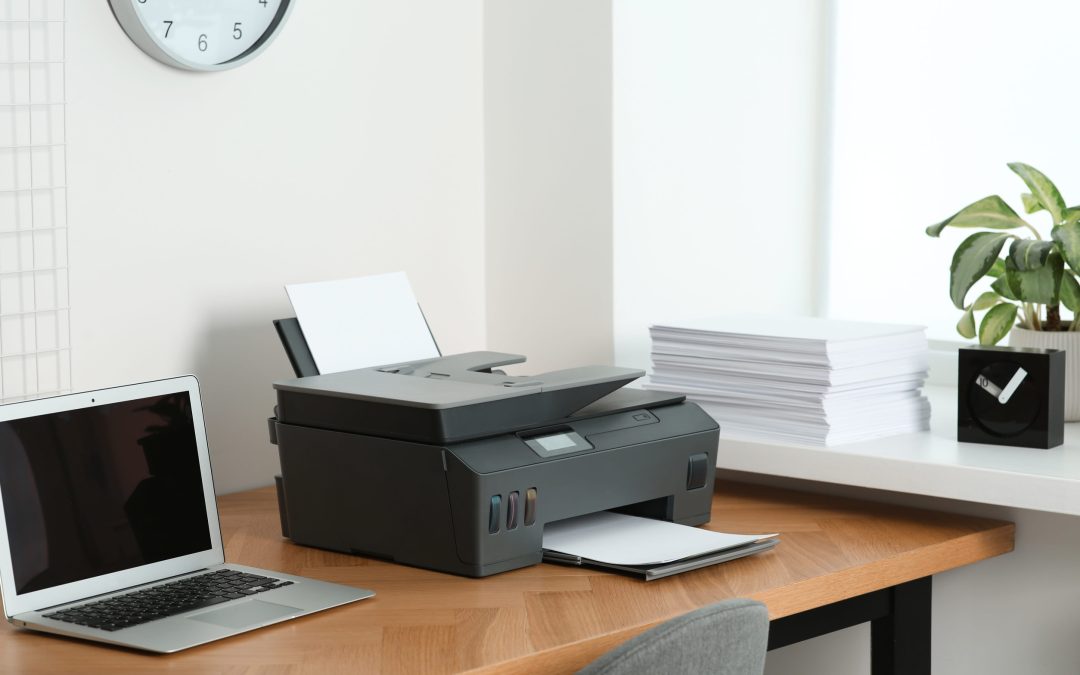
Ever tried to print a client contract when half your staff is at home and the other half rotates through the office? It’s a mess. Home printers nobody monitors and office machines that should have been retired years ago quietly drive up your monthly costs, and confidential files end up moving over Wi-Fi networks no one has checked. This guide covers how print fleet management can cut print spending by up to 30% for distributed teams.
1. Audit Your Office and Home Print Footprint
Ask most companies how many printers they own, and you’ll get a shrug. The real number usually surfaces when someone goes through expense reports. A deadline hits, a branch manager or remote employee grabs a cheap inkjet at a big-box store, and it goes on the company card without IT ever hearing about it. Small business managed print services fix that blind spot, since our team maps every office and home device in a few days.
With the full inventory in hand, look at how each department actually uses paper in a normal week. Accounting and legal still print thick packets because people need physical signatures. Your sales reps, on the other hand, probably scan signed agreements into shared folders and barely touch a paper tray. Page counts from each machine tell you which units sit idle beside empty desks and which ones do the heavy lifting.
Go back through six months of helpdesk logs and supply receipts too. Your IT staff likely burns hours every month on driver glitches and paper jams. And somebody in accounting is almost certainly reimbursing retail ink at about three times what commercial toner costs.
2. Rightsize Your Hardware Without Dealer Equipment Quotas
Here’s something most copier salespeople won’t say out loud: plenty of the big machines sitting in office hallways are far larger than the job needs. Traditional dealers lean on oversized floor-standing copiers because manufacturers reward them with quotas for moving expensive boxes. We don’t work that way at OneDOC Managed Solutions. We have no manufacturer quotas, so if a copier is underused and should be pulled or moved down the hall, that’s what our advisors will tell you.
Very few small businesses print 11×17 ledger sheets daily, so those bulky A3 copiers can often be replaced with compact business-class A4 multifunction units. We work with HP, Brother, Xerox, Konica Minolta, Epson, and Lexmark hardware, and the right pick depends on your volume. A small monochrome laser printer survives far better than a fragile home inkjet for remote staff who print contracts often. Run the rollout through print fleet management and the upfront capital cost disappears, because hardware and service land on one flat monthly bill.
| Operational area | Unmanaged hybrid setup | Rightsized OneDOC hybrid fleet |
| Hardware sizing | Oversized copiers and random home inkjets | Right-sized A4 and A3 units matched to volume |
| Vendor billing | Multiple leases and retail supply receipts | One predictable monthly fee with zero upfront cost |
| Supply tracking | Emergency toner runs and expired closet stock | Automated shipments before cartridges run low |
| IT support load | Internal staff stuck with jams and drivers | Dedicated national technicians and remote care |
| Fleet changes | Locked into rigid dealer equipment quotas | Flexible upgrades or removals as teams shift |
3. Replace Local Print Servers with Secure Cloud Routing
On-premises print servers were built for people who sit at the same desk every day. They weren’t designed for employees who split the week between a kitchen table and headquarters. A remote worker has to connect through a slow VPN just to reach an office printer, and anyone who’s watched that VPN drop five minutes before a client call knows the pain. Pair cloud queues with managed document services and staff can print from a laptop or phone over an encrypted connection, so your internal network isn’t exposed to do it.
Driverless cloud printing also ends the endless compatibility fights between Windows laptops and Macs. Each job lands in one virtual queue, wherever the employee happens to be sitting. Someone who sends a proposal from home on Monday evening will find it waiting in the cloud on Tuesday morning, ready to be released at the office.
Operations managers also get a much clearer picture of paper use across every branch and home office. A simple rule can make internal drafts print double-sided in black and white. Color stays available for client presentations, so toner budgets hold steady, and nobody has to police their coworkers.
4. Lock Down Remote and Office Devices with Zero Trust Rules
Networked printers share your company LAN, and they still tend to get skipped on cybersecurity checklists. Quocirca’s Print Security Landscape 2026 report found that 67% of organizations had a print-related data breach in the past year, with remediation averaging over $1.3 million per incident. We wrote about how easily one unpatched device outside the office can expose client records in our look at the hidden cybersecurity risks of unmonitored office printers.
A secure hybrid fleet starts with encrypted traffic between home routers and office machines, plus mandatory pull printing. Sensitive jobs wait in a virtual queue until the sender taps an ID badge or types a PIN at the copier. That one habit keeps payroll sheets and legal agreements out of open trays where anyone could grab them. Tie your print software to the company directory and role-based access follows, so contractors and visitors can’t wander onto executive or HR printers.
Firmware patches and hard drive encryption keep every brand in your fleet protected from new network exploits. With small business managed print services, those updates are pushed automatically to headquarters and approved home devices. Activity logs record who printed or scanned each document. Healthcare clinics and law firms get a clean audit trail when regulators ask.
5. Automate Toner Replenishment and Proactive Maintenance
A copier throwing an error code at 4:45 PM, with shipping labels still waiting, can ruin an afternoon. Remote monitoring ties your whole hybrid fleet together, so toner arrives early, and technicians replace worn parts before anything breaks. OneDOC has Oklahoma roots and a nationwide network of service technicians behind that software. A machine on your main floor or in a remote manager’s spare room gets the same local support.
Automatic supply tracking also removes the guesswork of ordering dozens of cartridge numbers across several brands. Once a cartridge drops below a set level, a replacement ships to the right floor or the remote employee’s doorstep. Your office manager stops paying rush delivery fees, and managed document services mean nobody on your team has to play supply-closet inventory clerk.
- Supply closets stop filling up with expired toner from machines you retired two years ago.
- Worn rollers and fusers get swapped during routine checkups, so a mid-day breakdown doesn’t derail a client deadline.
6. Digitize Paper Bottlenecks for Distributed Teams
Mailing paper folders between branch offices and remote homes costs days. Modern multifunction printers cut that delay right at the glass: tap the touchscreen once and a signed contract or vendor invoice scans straight into an encrypted cloud folder or your accounting software. Adopt managed document services, and those scan shortcuts look the same on every machine in the company.
Optical character recognition converts flat scans into searchable PDFs, so finding an old invoice takes seconds. Automated file naming and folder routing mean fewer typos for the accounting and HR teams. Each document captured digitally shrinks your filing footprint and leaves fewer paper copies drifting around outside the office. Your OneDOC advisor also sits down with you every quarter to review real usage numbers and flag underused machines, keeping your small business managed print services plan in step with your current headcount.
Streamline Your Hybrid Print Fleet with OneDOC
A dependable hybrid print setup really comes down to two habits: know your actual print volume, and lock down every endpoint, in the office or at home. Swap scattered home printers and aging servers for cloud routing and automated maintenance, and your team stays productive while print costs fall by 20% to 30%. OneDOC Managed Solutions offers hardware-neutral advice, zero upfront costs, and responsive nationwide technician support, so you can stay out of the printer repair business. Contact our team today for a free workflow assessment and see how our print fleet management programs keep hybrid teams working without interruption.